Maker Journal
A Free Bridge Building Game for Kids: Lemonade Stand Meets Oregon Trail
Bridge Building Company is a free browser game where students pick a bridge, manage a budget and crew, and run a load test. Built for a 5th grade bridge unit.
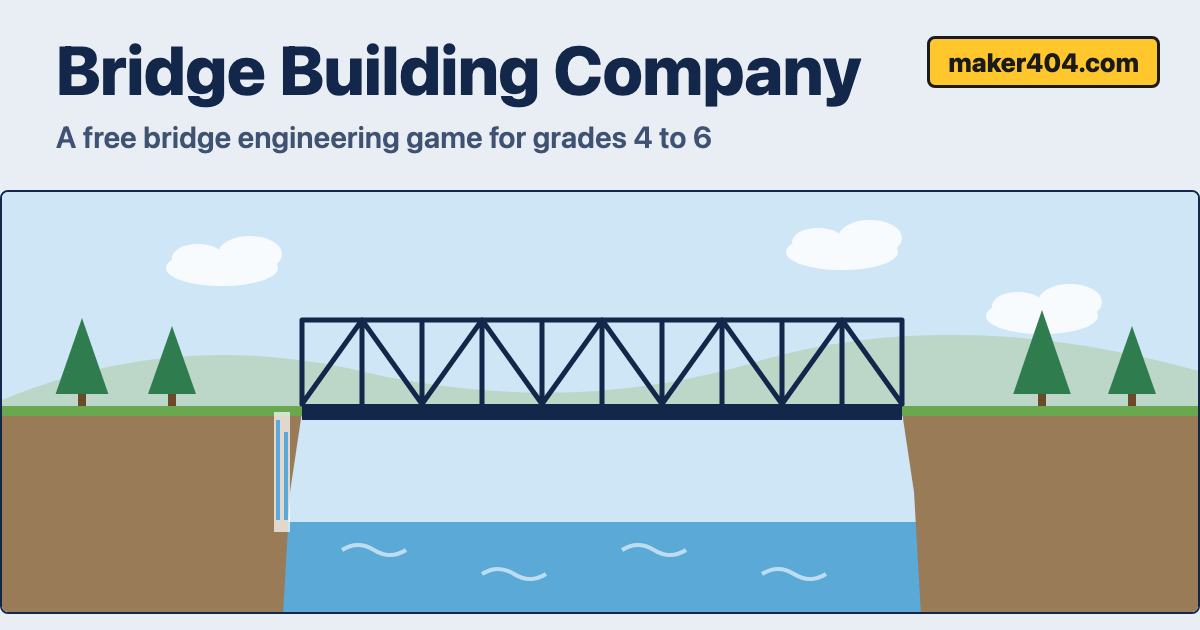
A bridge unit asks students to do something that’s hard to practice with popsicle sticks alone: weigh cost, time, and safety at the same time. Real engineers don’t get to build the strongest possible bridge. They build the right bridge for the site and the budget.
So I made a game for it. Bridge Building Company is a free, text-and-picture game that runs in any browser, including school Chromebooks. Students run a small construction company, take on three job sites, and try to finish on time and under budget with a bridge that holds.
Lemonade Stand meets Oregon Trail
The game borrows from two classics. From Lemonade Stand it takes the loop of buying supplies, setting a price, running the day, and checking the profit. Here the “price” is crew pay, and the profit is whether you stayed under budget. From Oregon Trail it takes event cards: something goes wrong, you choose a response, and every choice costs something.
At each site, students:
- Read the site card (span, ground, traffic, budget, deadline).
- Pick a bridge.
- Buy materials and spare supplies.
- Set crew pay: low, fair, or high.
- Run the build day by day, handling events like heavy rain, a late steel shipment, or a grumbling crew.
- Watch the load test.
Four bridges, six sites

Students choose from a beam, truss, arch, or suspension bridge. Each one has a different cost, speed, and strength, and each fits some sites better than others. There are six sites, from a 40-foot footbridge over a creek to an 1,800-foot harbor crossing. A run uses three of them, so a classroom can play it in one sitting.
The sites are what make the choice interesting. A beam is cheap and fast, and it’s perfect for the footbridge. It can’t reach across a gorge, and it’s not strong enough for a train. An arch loves solid rock but is a risky pick on soft ground.
What it teaches
- Matching a bridge type to a site’s span, ground, and traffic.
- Seeing the trade-offs among cost, time, and safety.
- Naming tension and compression, the forces that decide whether a bridge holds. A built-in glossary explains the words in plain language.
It pairs well with a hands-on build. If you want students to test their own bridges first, try the Bridge Builder Challenge, then let them see how the same ideas play out in the game.
Easy mode and Challenge mode
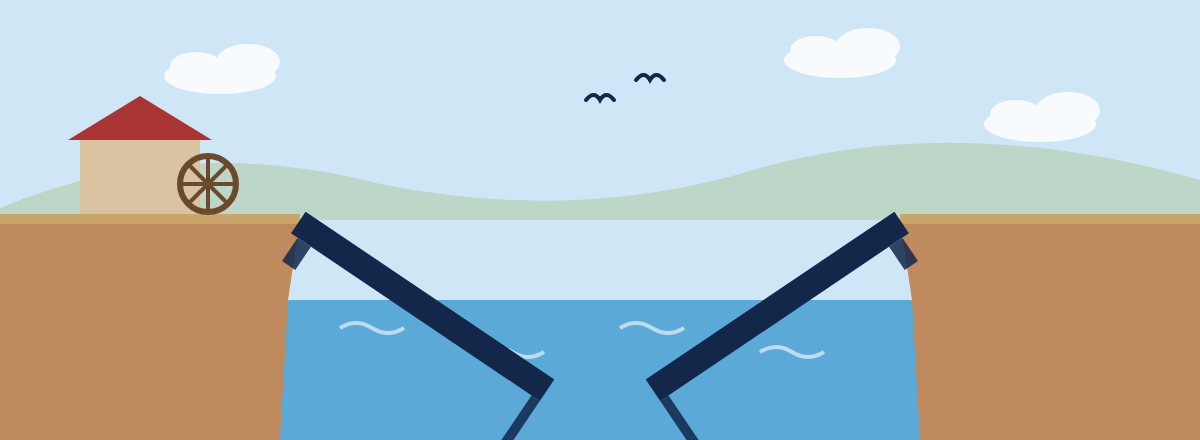
In Easy mode, each bridge gets a risk label, bridges that are too short can’t be picked, and the bridge always holds. If the design is risky, the bridge sags and creaks during the load test, and the game calls it a close call.
In Challenge mode there are no hints. A weak design can collapse at the load test, and then a failure report explains what went wrong, which forces were involved, and what a better choice would have been.
Made for a real class period
- Chromebook friendly. It’s a small static page. No accounts, no ads, no trackers, and nothing is saved or sent anywhere.
- Same seed, same run. Add something like
?seed=OAK-417to the link and every student gets the same sites and events, so the class can compare choices afterward. - An optional engineer’s log. After each site, students can answer three short prompts and print the page. It’s optional, and a teacher can turn it off by adding
log=offto the link. - Keyboard and touch. It plays with a keyboard, a trackpad, or a touch screen.
How I built it
I wrote the rules first: the bridge types, costs, event cards, and scoring, all in plain data files so I can tune the game without touching code. Then I used Claude Code to build it from that written plan, including tests for the math. After I played it, I changed a few things. I slowed the build days way down, made the writing optional, and asked for the graphics to be cleaned up. Playing it myself caught things the plan never would have.
What I’m still figuring out
I haven’t run it with a full class yet. My guess is a three-site run takes 10 to 15 minutes, but I won’t know until students try it. The time per day is adjustable (5, 7, or 10 seconds), and you can add a fourth site with sites=A,C,D,E if a class finishes early. If you try it with students, I’d love to hear how long it took and where they got stuck. You can reach me on the contact page.
Try it
Play it free at Bridge Building Company. For a first try, I’d pick Easy mode and a seed like OAK-417. You can find more free classroom tools on the Maker404 apps page.